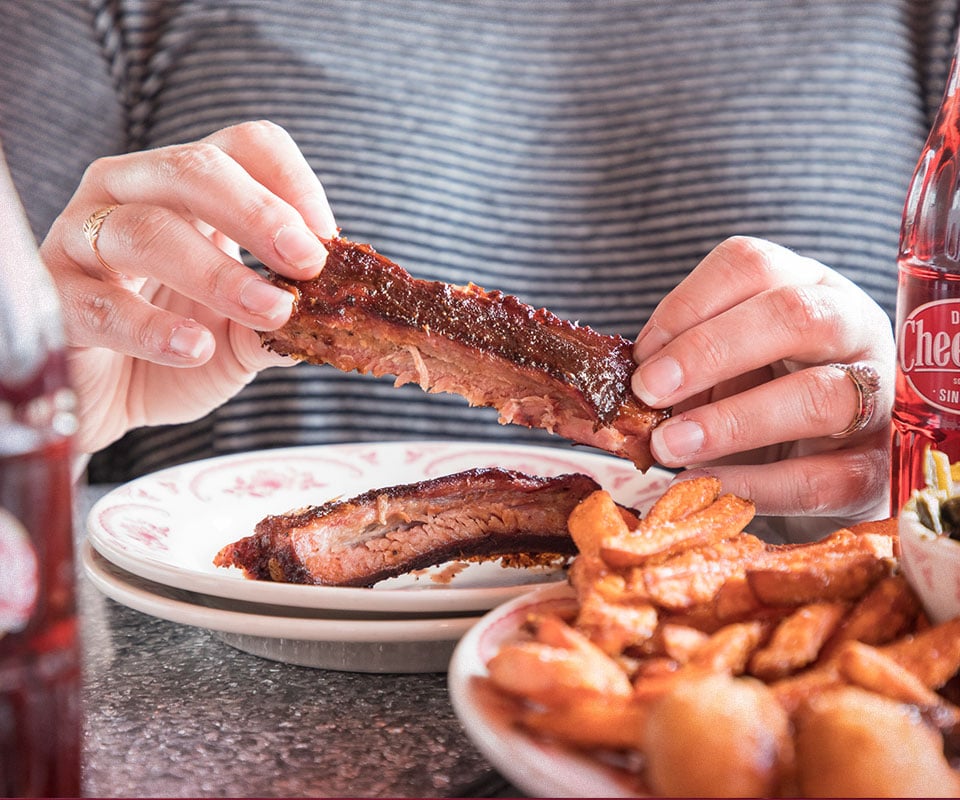


Select the option closest to your screen resolution below.
Download for 1400x900
Download for 1600x1200
Download for 1920x1080
Download for 1920x1200
How to set this as your wallpaper on a PC
Click the Wallpaper closest to your resolution.
Right Click the Wallpaper and Save As...
Navigate to the Wallpaper on your computer
Right click the image and "Set as Desktop background" or "Set as Wallpaper"
How to set this as your wallpaper on a MAC
OS 10 Users
In your browser, click on image and drag to your desktop.
Hold down the Control button on your keyboard while clicking on an empty area of your desktop.
Choose "Change Desktop Background."
Navigate to the photo that you have chosen and click on it.
OS 9 Users
In your browser, click on image and drag to your desktop.
Go to Appearance in the Control Panels menu under the Apple.
Choose Desktop
Click "Place Picture."
Navigate to the photo that you have chosen and click on it.